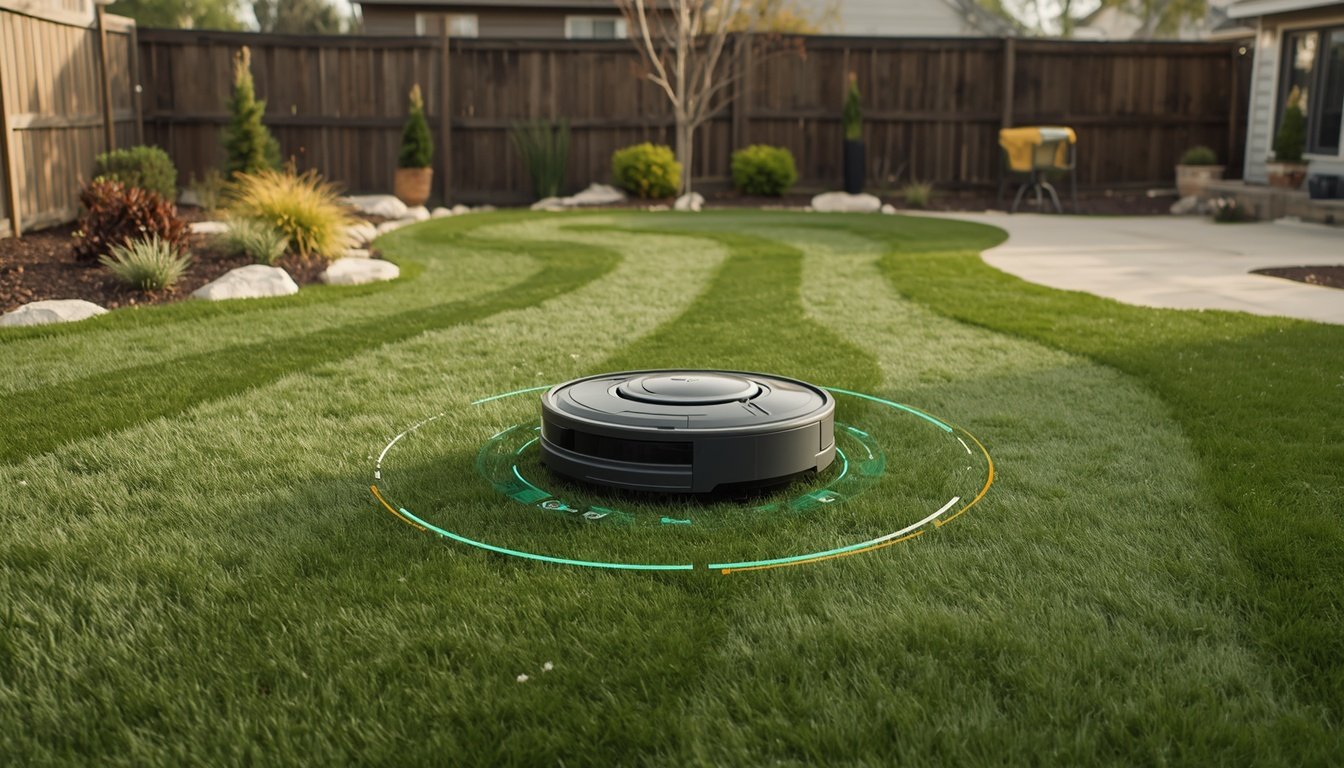
If your robot mower displays a warning saying it is “outside the boundary,” it usually means the mower’s sensors or navigation system think it has left the designated mowing area. Common causes include lost GPS signal, inaccurate boundary setup, or obstacles interfering with navigation. Fixing this quickly ensures your mower stays efficient and safe for your lawn.
Understanding Boundary Detection Issues
Wire-free robot mowers rely on GPS, RTK or other location technologies to understand their mowing area. When the mower cannot confidently detect its position or senses it is on the wrong side of the border, it will report being “outside the boundary.” This can happen if the satellite signal is temporarily lost due to weather, tree cover, or nearby buildings.
Boundary zones are defined virtually and stored in the mower’s memory. If the mower starts up in the wrong area or the boundaries were not mapped accurately during setup, it may immediately report an error. Occasional glitches can also occur if the boundary settings or software become corrupted following an update or battery swap.
Double-check your boundary map and sensor calibration. If possible, restart the mower in its charging station. This will help it quickly reestablish its location.
Common Reasons Your Mower Thinks It’s Outside the Boundary
- Weak or lost GPS/RTK signal due to obstruction or weather
- Incorrect mapping of your lawn boundaries during setup
- Mower started outside the designated area
- Software or firmware bugs affecting navigation
- Physical obstacles blocking sensor accuracy
Reviewing these points can help you narrow down the cause. For example, tall trees or dense cloud cover can cause loss of satellite accuracy. If the mower is started somewhere other than the charging dock, it might not know where it is in relation to your map. Keeping your software up to date and re-checking the boundary settings are key steps to prevent false “outside the boundary” warnings.
Quick Fixes and When to Seek Extra Help
Try restarting the mower from the charging base and ensure it has a clear view of the sky. Make sure your boundaries were mapped accurately. Remove new obstacles such as garden furniture or toys from the lawn that could block sensors.
If the issue persists, recalibrate your mower’s GPS or RTK system using the official app or control panel. Re-map your boundary zone if errors continue. Minor software bugs are often fixed by checking for updates via your mower’s app or manufacturer support.
For persistent problems, detailed instructions can be found in the wire-free robot mower troubleshooting guide. This resource helps address signal loss, boundary mapping, and navigation errors in detail, ensuring you restore top mower performance quickly.