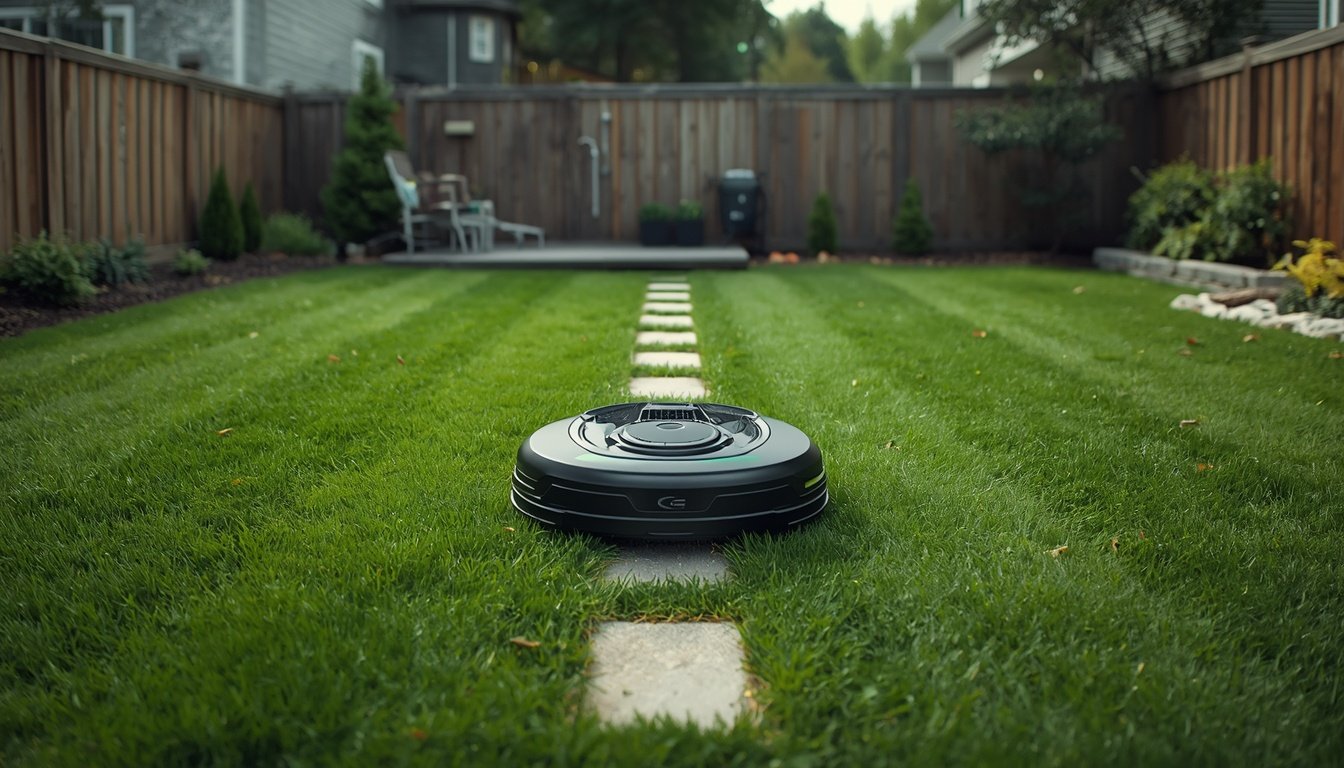
Your robot mower gets stuck because of obstacles or terrain features it cannot navigate, such as uneven ground, high grass, or debris. It may also get stuck due to wet or muddy patches, tight corners, or improper setup of its working boundaries. Understanding these causes helps you quickly pinpoint and fix the main reasons for your mower getting immobilized.
Common Obstacles and Terrain Challenges
Most wire-free robot mowers encounter trouble with unexpected obstacles in the yard. Items like small garden tools, toys, low-lying branches, or even tree roots can block the mower’s route. High or thick grass may also bog down the mower wheels, causing it to lose traction and stop moving. If the surface is uneven or includes deep ruts, a robot mower’s wheels can lose contact or get trapped.
Slopes present additional risk. Even if your mower is rated for hills, a sudden bump or wet grass can send it slipping or stopping. Decorative stones, edging, or flower beds at lawn edges are further problem zones. These features can either block passage or confuse the mower’s sensors, leading it to stop or reverse repeatedly without making progress.
Examining your lawn for hidden bumps or common clutter is a practical first step. Regularly clearing debris and inspecting for changes in terrain significantly reduces the likelihood of your robot mower getting stuck before each mow.
Boundary Issues and Navigation Errors
Wire-free robot mowers rely on virtual boundaries and navigation sensors. If the boundaries are poorly mapped or inaccurately set, your mower might attempt to cross into areas it cannot handle. This can lead to frequent stops, especially near thick bushes, fences, or water features. Signal interference from nearby electronics or thick plant growth can also disrupt the signals guiding your robot.
Navigation errors might happen if the mower’s sensors become dirty or misaligned. A blocked or dirty sensor can make the mower “think” it has reached an obstacle or boundary, halting its movement. Software glitches or unfinished updates may lead to irregular driving patterns, random stops, or the mower circling in place.
If you’re experiencing regular navigation issues, review your boundary setup and sensor condition. For a deeper step-by-step look, refer to the wire-free robot mower troubleshooting guide to resolve setup or firmware-related causes efficiently.
Environmental and Operating Conditions
Weather and soil condition play a huge role in robot mower performance. Wet grass, mud, or recent rainfall can make even mild slopes slippery. The mower can easily get stuck, especially if lighter models can’t keep traction. Excessively hot or bright conditions may cause some models to misread surfaces or slow down to protect their components.
The presence of pets or wildlife during mowing hours can also confuse motion sensors, particularly if a cat, squirrel, or bird crosses in front of the mower. If you notice patterns in when and where your mower gets stuck, consider adjusting the mowing schedule to avoid peak activity times for animals or after heavy rain.
- Remove sticks, stones, and loose items from your yard before each mow.
- Do a quick check for muddy or waterlogged spots after rainfall.
- Regularly clean the mower’s sensors and wheels.
- Review and update your mower’s software as needed.
Preventing your robot mower from getting stuck is mainly about regular maintenance and minor adjustments. By removing obstacles, avoiding operation in wet conditions, and making sure the sensors and software are up to date, you’ll keep your mower running smoothly. These habits not only reduce the chance of problems but also help extend the lifespan of your robot mower as a whole.