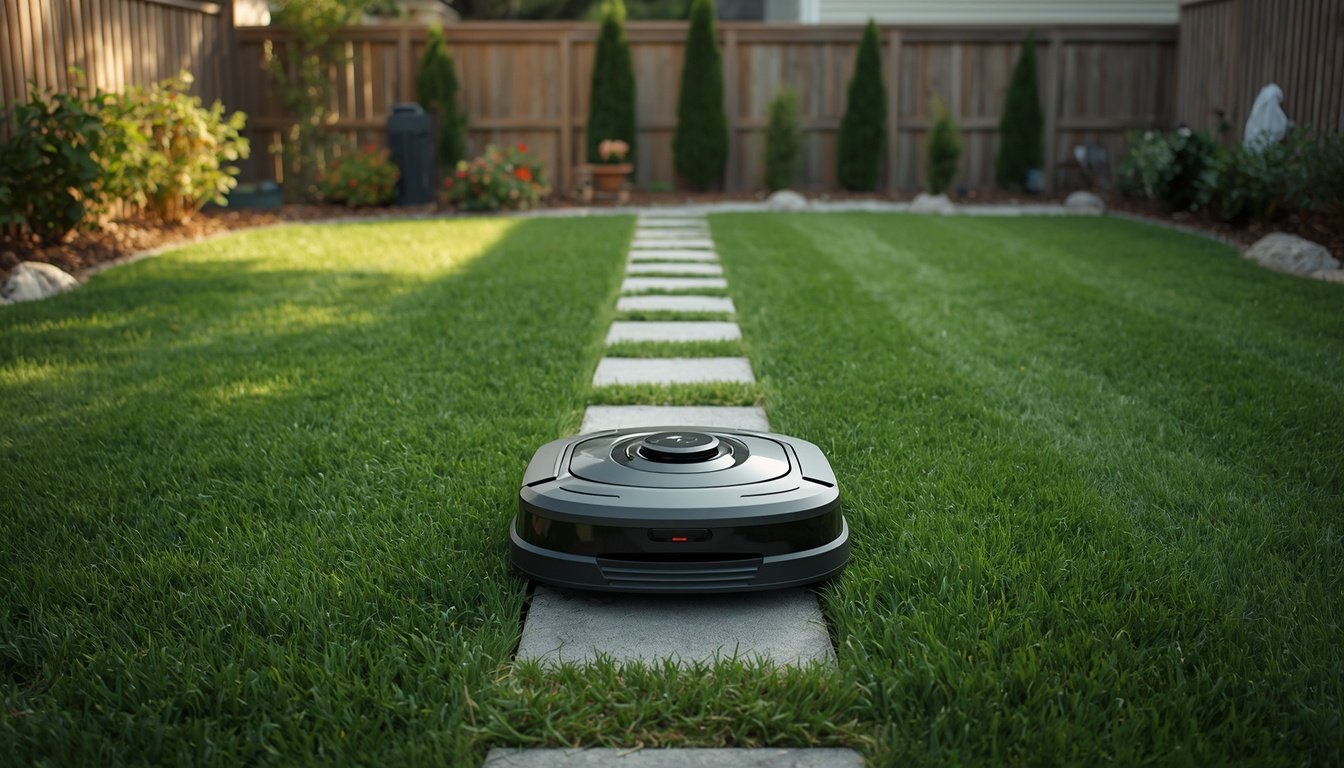
To clean LiDAR and camera sensors on your robot mower, use a soft microfiber cloth and gentle, lens-safe cleaning solution. Wipe the sensors carefully, avoiding any pressure or abrasive movements. This prevents build-up that can interfere with navigation, ensuring your mower operates efficiently without error.
Gathering Tools and Prepping Your Robot Mower
Start by powering off your robot mower and moving it to a shaded, dry location. Cleaning sensors under direct sunlight can cause quick-drying streaks and may miss details. Ensure your hands are clean to avoid transferring oil or debris.
Gather a lint-free microfiber cloth, lens-safe cleaning solution or distilled water, and cotton swabs. Never use rough paper towels or household glass cleaners, as these may scratch or cloud the lens surfaces. If your robot mower is wet or muddy, wipe the exterior with a damp cloth before focusing on the sensors.
Inspect the LiDAR dome and camera areas for large dirt clumps or debris. Remove these gently by hand or with a soft brush. Preparation ensures you won’t scratch the sensor covers with hidden particles while cleaning. Securing the mower on a stable flat surface minimizes accidental knocks or falls during the process, protecting the sensors as you work.
Best Practices for Cleaning LiDAR and Camera Sensors
When cleaning, dampen the microfiber cloth with lens cleaner or distilled water—never soak it. Gently wipe the sensor surfaces in circular motions to lift dust and smudges. For tight areas around the LiDAR dome or camera lens rim, use a dry cotton swab with light pressure.
Do not spray liquid directly onto the sensors; always apply it to the cloth first. Excess fluid can seep into internal electronics and cause faults. Avoid pressing hard, as even a small amount of grit can scratch a sensor’s surface and permanently degrade performance.
Check for streaks or missed spots by tilting the mower under light. If streaks remain, use a dry portion of the cloth to buff gently. After cleaning, let sensors air dry before turning the mower back on. Consistent care prevents sensor blockages that trigger navigational errors and keeps your mower running reliably across the mowing season.
Maintenance Tips and Troubleshooting
- Clean sensors every 2–4 weeks, or more often in dusty or muddy conditions.
- Inspect for scratches or permanent marks regularly; replace protective covers if damaged.
- Avoid using compressed air close to sensors to prevent forcing particles inside.
- Use the wire-free robot mower troubleshooting guide if camera or LiDAR issues persist.
Routine sensor maintenance helps avoid most navigation problems and improves mowing accuracy. By checking for visible damage and avoiding aggressive cleaning, you extend sensor lifespan. If cleaning doesn’t restore sensor clarity or error messages appear, the troubleshooting guide provides step-by-step solutions. This proactive approach ensures your robot mower stays efficient and reduces the chance of costly repairs caused by neglected sensor care.