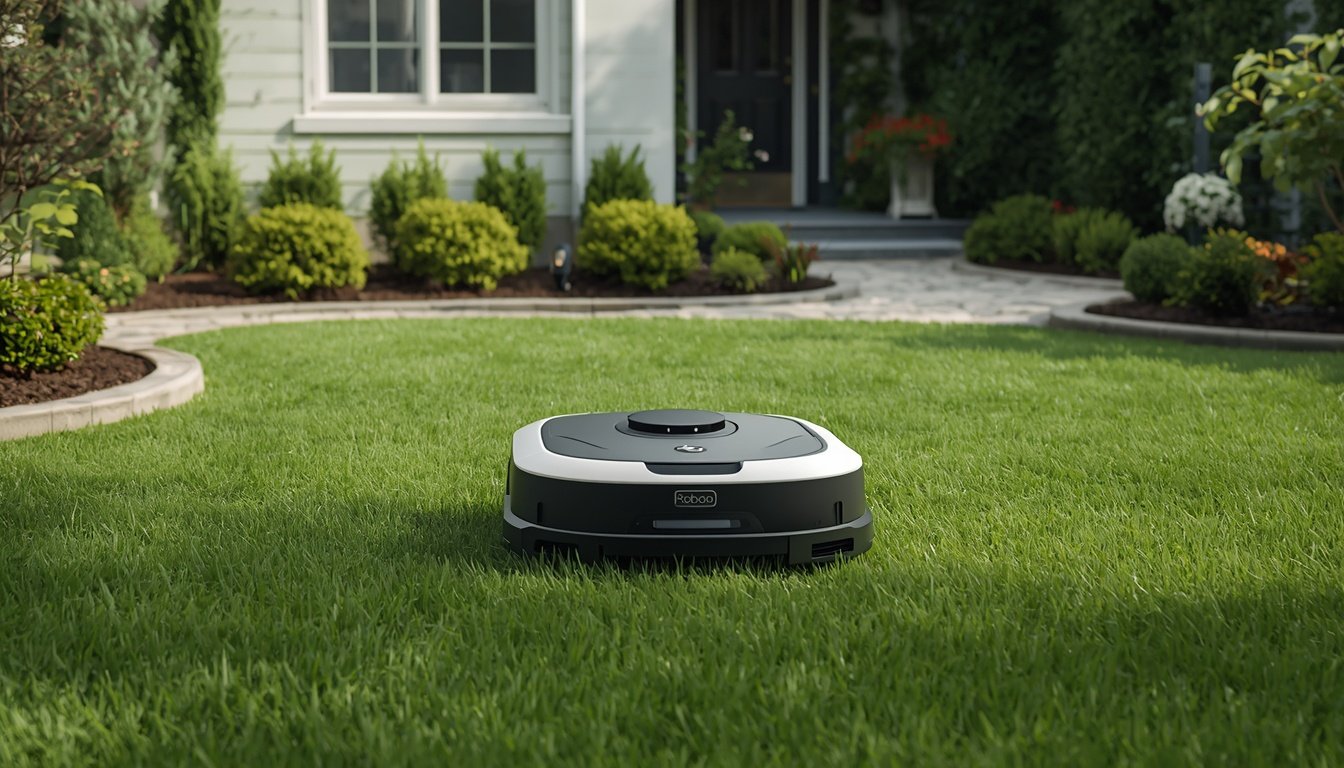
Yes, a robot lawn mower can work without an app, but it depends on the specific model. Many wire-free robot mowers come with manual controls, onboard displays, or physical buttons that allow you to set up basic mowing schedules and start or stop operation. You won’t always need a smartphone or app for day-to-day use, so even users without smart devices can operate these mowers successfully.
Basic Control Options Without an App
Some robot mowers have built-in panels or buttons for all essential functions. You can usually power them on, set the mowing schedule, and adjust the cutting height using these onboard controls. This allows you to manage the mower even if you do not have internet or a mobile device.
Manufacturers design these manual controls for straightforward operation. After initial installation, you might only need to press a “Start” button or select the days and times for mowing directly on the unit. Some models display menu options on a small screen, while others use indicator lights or simple toggle switches.
This means that if you’re not comfortable using apps or simply don’t want the extra connectivity, you can rely on these physical interfaces. Of course, if you want advanced features, such as mowing history or custom zone management, using the app is often required. But for routine mowing, wired and wire-free robot mowers often operate just fine app-free.
When an App Might Be Required
Although many models offer manual controls, certain robot mowers require an initial setup through an app. This is especially common with wire-free models that use mapping or GPS technology to define and remember your yard’s boundaries. The first-time mapping or learning process may need a phone or tablet with the manufacturer’s app installed.
Some brands make it possible to skip the app entirely after setup, allowing you to manage mowing with the buttons on the mower itself. However, if you want to adjust advanced settings, update firmware, or receive notifications, the app may be necessary. The app is also useful for troubleshooting and accessing firmware updates that keep the mower running smoothly.
If you’re unsure whether you need the app at any point, consult your mower’s manual. Also, for a step-by-step guide on how to install a wire-free robot mower, you should check the specific instructions for your model to see if a mobile device is needed for setup.
Pros and Cons of Operating Without an App
- Simple control with no need for internet access
- Less exposure to tech issues or app bugs
- Limited to basic scheduling and manual start/stop
- No remote monitoring or notifications
- Misses out on advanced customization options
Using a robot mower without the app simplifies the experience and removes the dependency on smartphones and Wi-Fi. This can be ideal for users who value straightforward manual operation or live in areas with unreliable internet. However, this also means missing out on features like remote status checks, detailed scheduling, or updates pushed through the app. Ultimately, the best setup depends on how much control and convenience you want versus your comfort level with tech.