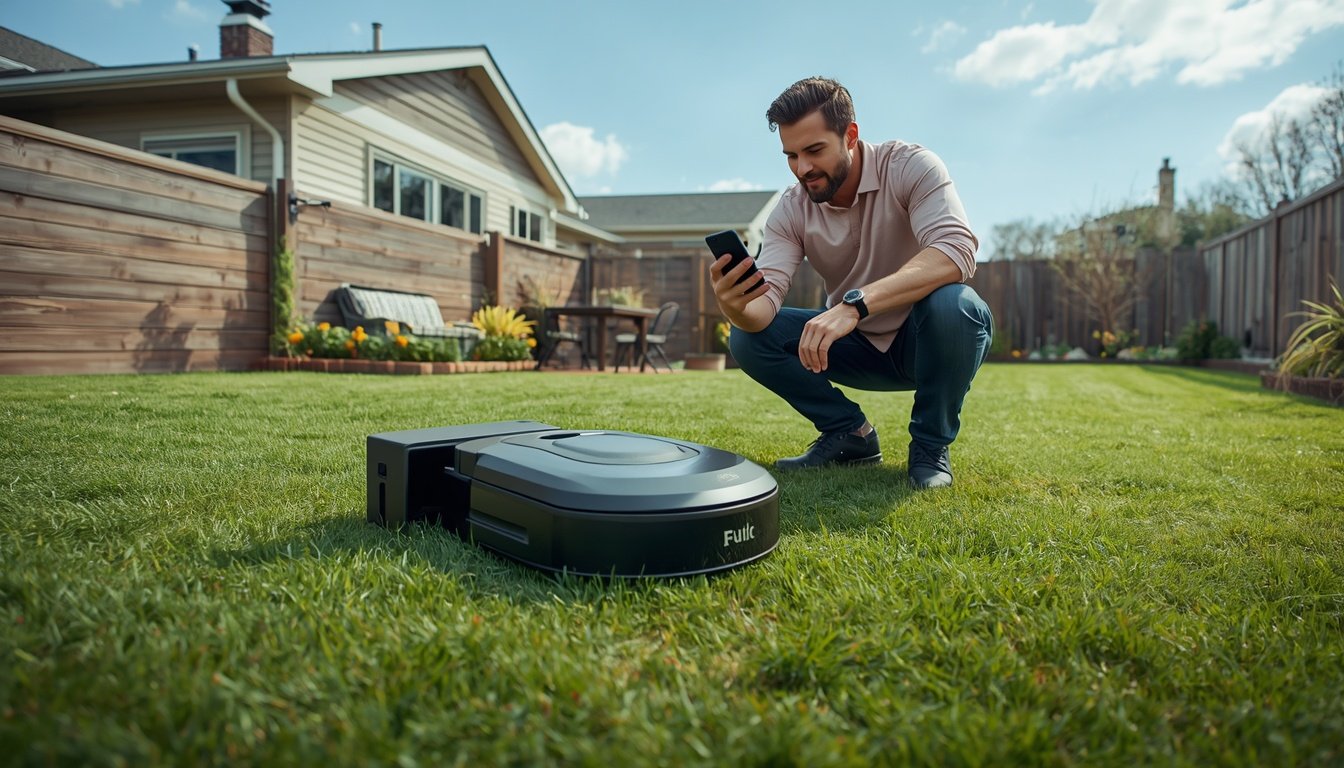
Setting up a wire-free robot mower is usually simpler than installing an older boundary-wire model, but it still needs careful planning. The main steps are choosing the right charging station location, setting up any RTK base station or connection system, mapping the lawn, creating virtual boundaries, checking no-go zones, and testing the first mowing run.
The biggest mistake is assuming “wire-free” means no setup at all. You do not need to bury a perimeter cable, but the mower still needs a clear mowing area, reliable navigation, sensible docking access, and a map that matches the real shape of your lawn.
What This Guide Covers
This guide explains the full setup process for a modern boundary-wire-free mower. It covers site preparation, charging station placement, RTK base station positioning, app setup, lawn mapping, virtual boundaries, no-go zones, first-run testing, and common mistakes to avoid.
The aim is to help homeowners understand the setup landscape before opening the box. Some wire-free mowers are very beginner-friendly, while others need more careful planning because they rely on RTK positioning, LiDAR, camera vision, GPS, Wi-Fi, Bluetooth, or app-guided mapping.
If you are still learning the basics of the category, read How Do Wire-Free Robot Mowers Work?. That guide explains how these machines replace physical boundary wires with mapping, sensors, positioning, and software. Once you understand the basics, setup becomes much easier to plan.
How Installation Works
The setup process starts with the lawn, not the mower. Before placing the dock or opening the app, walk around the yard and look for areas that may affect mowing. This includes slopes, trees, narrow passages, fences, gates, paths, driveways, garden beds, play areas, low branches, muddy patches, and lawn edges.
The next step is choosing a charging station location. The dock should usually sit on firm, level ground with easy mower access and nearby power. It should not be squeezed into a tight corner, hidden behind obstacles, or placed where the mower must make awkward turns every time it leaves or returns. For more detail, use Where to Place a Robot Mower Charging Station.
If the mower uses RTK, base station placement is also important. The base station may need a clear view of the sky and a stable position away from heavy obstruction. A poor base station location can create weak positioning, boundary errors, or signal loss during mowing. The supporting guide Where to Place an RTK Base Station for Best Signal covers that part in more depth.
After the hardware is placed, most wire-free mowers need app pairing, account setup, firmware checks, and lawn mapping. Mapping may involve driving the mower around the edge of the lawn, walking with the mower, or letting the mower scan and build a working area. The exact method depends on the model.
Common Use Cases
A simple open lawn is the easiest setup. The mower has fewer obstacles, clearer movement paths, and fewer areas where the map can become confusing. In this case, the key setup tasks are usually dock placement, app pairing, boundary mapping, and schedule creation.
A lawn with trees needs more care. Trees can affect satellite visibility, create roots and shade, drop leaves and twigs, and introduce physical obstacles near the mowing path. The mower may still work well, but setup should include careful no-go zones and realistic testing around trunks and shaded areas.
A sloped lawn needs attention to docking paths, traction, turning areas, and safe mowing zones. The mower may be rated for a certain slope, but that does not mean every sloped section is suitable. Wet grass, uneven ground, and tight turns on a slope can increase the chance of slipping or getting stuck.
Multi-zone lawns need the most planning. If the mower must manage a front yard and back yard, cross a path, move through a gate, or use a driveway as a travel route, the map needs to be set up carefully. The mower must know where to cut, where to travel, and where not to mow.
Key Factors to Consider
- Charging station position: the dock should be level, accessible, powered, and easy for the mower to enter and leave.
- Navigation system: RTK, LiDAR, camera vision, and GPS-based systems may each have different setup needs.
- Signal quality: trees, buildings, fences, and poor base station placement can affect some wire-free mowers.
- Mapping accuracy: the mower’s virtual boundary should match the real lawn edge, not just the general shape of the yard.
- No-go zones: garden beds, pools, play equipment, pet areas, and fragile ornaments should be excluded clearly.
- First-run testing: the first mowing sessions should be watched so errors can be corrected before routine scheduling.
The setup should also account for what the mower cannot see or handle. Small toys, thin garden lights, exposed roots, soft mud, and sharp drop-offs can all create problems if they are not handled during mapping or lawn preparation.
Choosing the Right Option
The right setup approach depends on the type of wire-free mower you buy. An RTK-focused mower may need more attention to base station placement and sky visibility. A LiDAR or camera-assisted mower may need clean sensor visibility and a lawn layout that the mower can interpret reliably.
If the mower uses app-based virtual boundaries, spend extra time getting the map right. A rushed map can cause missed sections, boundary errors, or unnecessary corrections later. The guide How to Map Your Lawn With a Wire-Free Robot Mower explains how to think through the mapping process.
For first-time users, it is usually better to begin with a simple mowing area and expand from there. Set up the main lawn first, test the route, check docking, and watch how the mower responds to edges, trees, and obstacles. Once the main area works reliably, add secondary zones, no-go areas, and more complex scheduling.
Wi-Fi and app control also matter. Some mowers use Wi-Fi only for setup and updates, while others may use Bluetooth, cellular connection, GPS services, or app-based controls for ongoing management. If you are unsure what connection the mower needs, read Do Robot Lawn Mowers Need Wi-Fi?.
For homeowners who prefer less app-based control, check the model carefully before buying. Some mowers are heavily app-dependent, while others may offer more onboard controls. The article Can a Robot Lawn Mower Work Without an App? covers that issue in more detail.
Limitations and Considerations
Wire-free setup is easier than burying perimeter cable, but it is not always instant. A flat rectangular lawn may be quick to configure, while a complex yard with trees, slopes, gates, driveways, and separate zones can take more time.
Signal problems are one of the main issues with some systems. If the mower loses positioning, it may stop, pause, return, or behave differently depending on the model and software. Tree cover, buildings, poor base station placement, and blocked sky view can all make setup more sensitive.
Mapping also needs patience. The first version of the lawn map may not be perfect. You may need to adjust boundaries, add no-go zones, change the dock location, improve the base station position, remove obstacles, or remap a difficult section.
It is also realistic to expect some manual lawn preparation. Long grass, loose toys, branches, hoses, low garden edging, muddy areas, and steep drop-offs should be dealt with before regular mowing. A robot mower maintains a lawn better than it rescues a neglected one.
Most early problems are caused by setup decisions rather than the mower being unsuitable. Before assuming the machine is faulty, check the common issues in Common Wire-Free Robot Mower Setup Mistakes.
Guide to This Site
- How to Program a Wire-Free Robot Mower for the First Time
- Where to Place an RTK Base Station for Best Signal
- Where to Place a Robot Mower Charging Station
- How to Map Your Lawn With a Wire-Free Robot Mower
- Common Wire-Free Robot Mower Setup Mistakes
- Do Robot Lawn Mowers Need Wi-Fi?
- Can a Robot Lawn Mower Work Without an App?