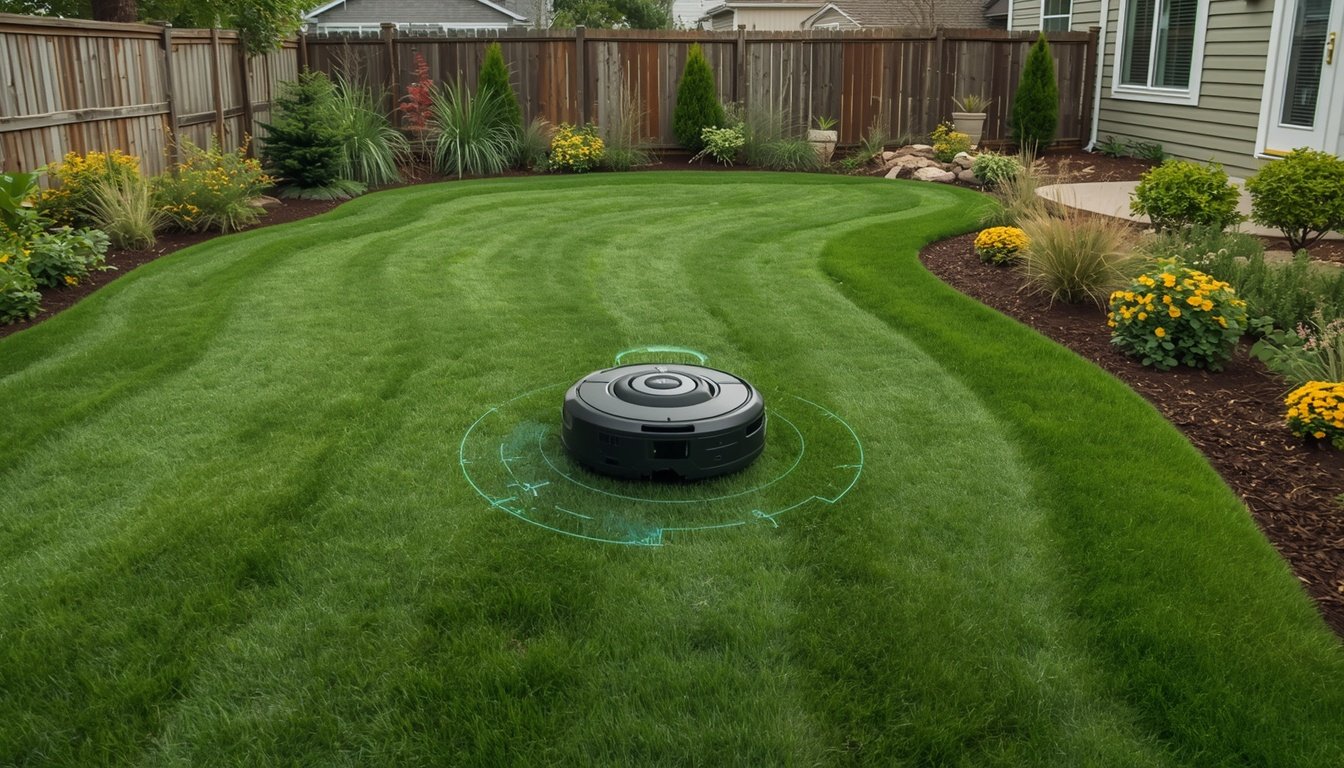
Robot mowers often leave uncut strips for a few main reasons: missed mapping areas, uneven terrain, or mower setup issues. Right away, check your lawn’s virtual boundaries, blade width, and wheel tracking. These are the direct causes of missed patches, and most issues can be solved with a few adjustments or short troubleshooting steps.
Common Causes of Missed Strips
One of the primary culprits for uncut strips is inaccurate or incomplete mapping. If your robot mower hasn’t scanned the boundaries of your lawn thoroughly, it may avoid certain areas or overlap inefficiently, leaving strips uncut. Another common factor is uneven or sloped terrain—bumps and irregular ground can keep the blades from contacting the grass evenly. If your blades are dull or worn, the mower might push grass over rather than cutting it, making it look like strips are untouched.
Tire slippage is also a frequent issue, especially after rainy weather. If the wheels lose traction, the mower may drift and miss narrow bands of grass. Finally, improper mower settings—such as cutting height that’s set too high—can make the machine miss shorter, thinner grass. Checking and recalibrating your mower’s mapping and physical setup usually addresses these common causes.
How to Diagnose and Fix the Problem
- Check and update the mower’s mapping, ensuring all lawn edges are included
- Inspect blades for dullness or wear, replacing if needed
- Adjust wheel and tire maintenance (clean, correct pressure, no obstructions)
- Lower or adjust cutting height if grass seems missed
- Observe mowing pattern for navigation errors or drifts
Start by reviewing your virtual map for missed or restricted zones. Observe your mower while it operates, especially on tricky areas. Fix uneven spots in the lawn and clear away any debris that might catch wheels. Swap or sharpen blades regularly to ensure clean cuts on every pass. If you notice recurring issues with boundaries or navigation, consult the official wire-free robot mower troubleshooting guide for step-by-step support. These steps can help you resolve most causes of uncut strips quickly and keep your lawn uniformly mowed.
Preventing Uncut Strips in the Future
Consistent mowing schedules are crucial—cutting the grass before it gets too tall helps ensure even coverage on each run. Regularly walk your lawn to check for hidden obstacles, new bumps, or pet toys that might throw off the mower’s progress. Recalibrate mapping or GPS directions after any landscaping changes, ensuring the robot recognizes every corner of your yard.
Routine maintenance, such as wheel cleaning and blade replacement, keeps performance strong. Pay attention after heavy rain or mowing on new sod, as extra-soft ground or slippery grass increases the chance of drifting and uncut stripes. Lastly, review your mower’s app for software updates, as manufacturers often fix navigation bugs with new releases. Taking these proactive steps reduces the need for repeated troubleshooting and helps your mower deliver the best possible lawn finish every time.