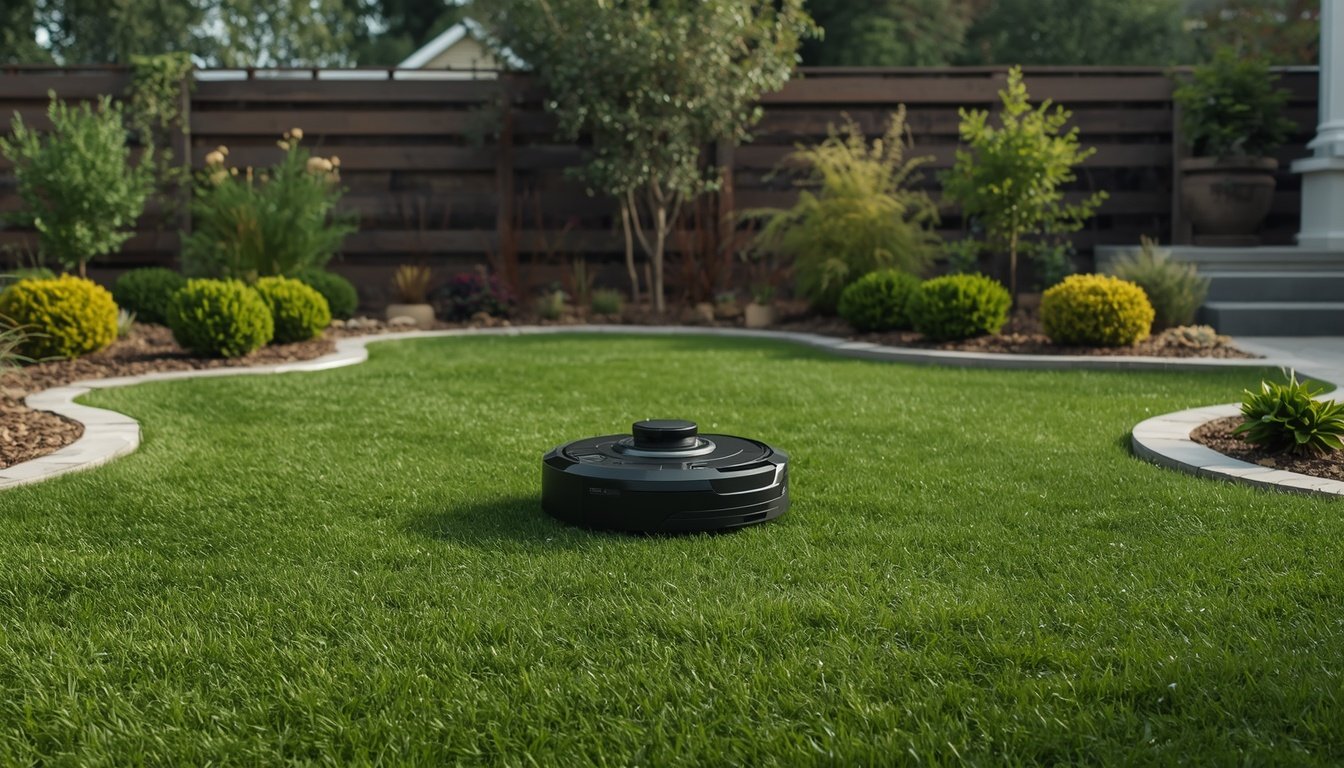
The ideal spot for a robot mower charging station is on a flat, sheltered area of your lawn, close to a power outlet and with clear access for the mower to dock and depart easily. Avoid slopes, puddle-prone patches, or congested places with lots of foot traffic. Placing the station correctly from the start helps your mower find its way home consistently and keeps the station protected from weather and accidental bumps.
Key Factors for Locating Your Charging Station
Level ground is essential. The charging base must sit flat so the mower can dock without issues—uneven ground risks charging problems or the mower getting stuck. Shade is also valuable: situate the station where it won’t bake in full sun for hours, since overheating shortens battery life and may damage plastic parts over time.
Access to power is crucial. Most robot mowers need a nearby outdoor-rated outlet; extension cords are risky due to tripping hazards and weather exposure. Position the station within about ten feet of a power source, with cable tucked neatly to prevent trips or mower snags.
Finally, give your mower a “runway.” The leading brands recommend at least five feet of straight, obstacle-free lawn in front of the docking area. Fences, shrubs, and tree roots nearby can confuse docking or force rerouting. Taking a few minutes to check for these basic factors now saves endless troubleshooting later.
Common Mistakes and How to Avoid Them
- Placing the station on a slope or soft soil
- Setting up near sprinkler heads or pooling water
- Hiding it behind bushes or tight corners
- Ignoring manufacturer clearance recommendations
- Running the power cable in the mower’s path
Avoid installing the station where your mower could slip or bog down—soft ground and slopes increase errors. Water sources are risky, as wet conditions harm electronics; keep the base at least several feet from irrigation lines or low spots. While many want to hide the dock, obscure locations actually reduce efficiency: the mower spends more time navigating and can get confused. Always respect the minimum clear zone around the station per your manual—often 3–5 feet on all sides. Neatly route cables behind, never in front, to prevent tangles or accidental unplugging during mowing cycles. Following these rules eliminates the most frequent setup headaches and warranty issues.
Integrating with Lawn Layout and Daily Use
Think about both the mower’s path and your regular activities. If kids play near the ideal location, consider shifting a few feet to avoid soccer balls or bikes bumping the station. For large lawns, favor a central spot: this keeps all areas within reach, reduces battery drain, and shortens travel for the mower after each job.
Weather exposure matters too. In regions with harsh sun, heavy rain, or icy winters, choosing a sheltered location—like under an open porch or beside a low hedge—offers extra protection. Just make sure coverage doesn’t block GPS or signal reception: some new models require an open sky view for accurate navigation. Check line-of-sight, especially if using a station with a reference point or antenna.
Finally, plan for easy routine tasks. You’ll periodically clean the station and check connections or firmware, so avoid cramped corners or places where you have to kneel in muddy flower beds. For more details on setup and integration, refer to this guide on how to install a wire-free robot mower for step-by-step advice.