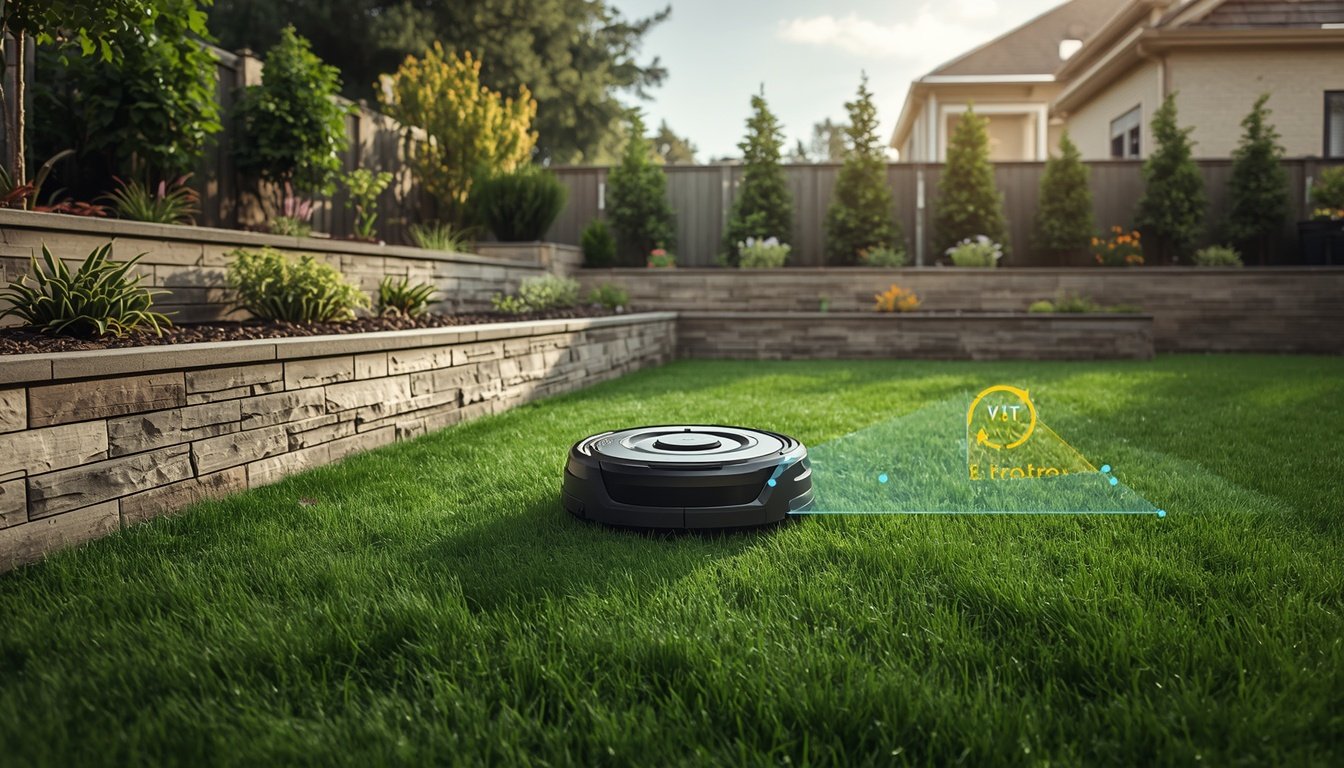
Setting up a wire-free robot mower can be a straightforward process, but it’s surprisingly common for homeowners to overlook key details that lead to frustrating results. The most frequent mistakes involve base station placement, connectivity errors, skipped calibration, or failing to consider how the mower “sees” lawn boundaries. To avoid the disappointment of poor navigation or uneven mowing, it’s essential to understand the main pitfalls before getting started. In fact, the official advice on how to install a wire-free robot mower covers several of these aspects, but knowing exactly what to watch out for is just as important.
Ignoring Lawn and Signal Obstacles
Many users don’t realize just how much physical and signal obstacles can affect wire-free robot mowers. Unlike traditional models with boundary wires, these mowers rely on sensors, GPS, or RTK systems to navigate. Trees, fences, sheds, and even tall garden features can block the signals needed for accurate mowing.
Overlooking these obstacles often leads to patchy mowing or the mower becoming confused about its boundaries. For example, if large trees or metal structures are present, they may interfere with the RTK base station’s signal or the GPS accuracy, causing the mower to veer off course.
It’s also easy to underestimate how thick foliage or buildings affect the wireless system. Even a nearby house wall, if too close, can result in a loss of accuracy. Homeowners must walk their lawn and identify any such obstacles before beginning setup. Proactively moving items or trimming plants in the mowing area can save hours of troubleshooting.
Proper analysis of the environment prior to starting ensures better coverage and reliability. Taking the time to do this simple step can prevent many ongoing performance issues, especially in complex gardens or areas with a lot of mature landscaping.
Poor Base Station Placement
- Setting the base station too close to heavy obstructions
- Ignoring recommended height and level positioning
- Placing the station in an area prone to Wi-Fi or GPS interference
The placement of your wire-free robot mower’s base or reference station is vital for reliable performance. Many owners put the station where it looks tidy, such as hidden behind shrubs or tucked away under decks. But this usually introduces signal disruptions. For RTK or GPS-guided models, line-of-sight to the sky and the mowing area is crucial. Placing the station beneath trees or too near a wall can drastically lower accuracy, leading to navigation problems or incomplete mowing cycles.
Level positioning helps ensure consistent communication. A tilted, uneven setup can impact the base’s range or its ability to provide reliable signals. Similarly, stations located near sources of Wi-Fi, electric cables, or other radio devices may be affected by interference. Take time to test several locations. The best position is often out in the open, slightly elevated, and away from obvious obstructions. You’ll find more guidance in the manufacturer’s instructions or by referencing expert installation guides online.
Skipping Calibration and Mapping Steps
One of the most frequent – and easily avoidable – setup errors occurs when homeowners skip initial calibration and mapping. Many wire-free robot mowers require a first-run mapping process so the device can learn your specific lawn’s layout. Jumping ahead or ignoring calibration steps can leave you with a mower that misses zones, leaves uncut patches, or struggles to dock at its charging station.
Calibration helps the mower adapt to your yard’s boundaries, slopes, and obstacles. Some models include smartphone apps that prompt you for these steps, while others offer on-device instructions. Rushing through or disregarding these prompts can undermine the mower’s reliability from day one. If calibration fails or is incomplete, redoing the mapping process is typically the only way to restore consistent performance.
This mapping is also the time to indicate boundaries that the mower should avoid. Without clearly mapping fences, flower beds, or pools, the mower might wander into forbidden zones. Owners should always follow the manufacturer’s mapping instructions in detail, even if the process feels tedious. Careful calibration pays off in better mowing coverage and less troubleshooting over the long term.
Many frustrations with wire-free robot mowers can be easily prevented by prioritizing a thorough mapping session as the first order of business upon installation.
Common Setup Mistakes Owners Make
- Ignoring software updates before or after installation
- Forgetting to test mowing and boundary detection after setup
- Failing to secure the charging station properly
Many people get caught up in the excitement of a new robot mower and forget crucial checks. Skipping software or firmware updates means your mower might operate with bugs or outdated navigation logic. Manufacturers often push important improvements, especially soon after product release. Always check for updates before that first mow.
After installation, owners sometimes assume everything works just because the mower starts up. In reality, it’s critical to check actual mowing paths and boundary responses. Watch the mower perform a full lap to see if it respects edges and returns to base reliably. If it misses zones or fails to detect a barrier, adjustments are needed.
The charging station’s security is equally essential. If it’s not anchored well, the mower may knock it out of position, lose charging capability, or even drift outside its mapped area. Carefully following the setup checklist and double-checking connections in this phase can prevent annoying resets and extra work down the line.
Incorrect Mower Settings for Your Lawn Type
Entering the wrong mower settings is a common error, especially for homes with sloped, irregular, or heavily landscaped lawns. Many users leave default settings untouched, thinking the mower will naturally adapt. In reality, wire-free models often need customization for mowing height, boundary sensitivity, and zone priorities.
Setting the cutting height too low can stress the mower on lumpy or sloped lawns, leading to stalling or uneven wear. Not adjusting for specific boundaries may cause the robotic mower to overreach onto patios, walkways, or into shrubs. Wire-free mowers allow tailored virtual perimeter settings, and it’s important to explore these right at setup, rather than after a mishap.
For complex gardens, some models support multiple mowing zones. Failing to set these up can mean the robot ignores certain sections or covers the lawn inefficiently. Consult the setup app or menu to divide your lawn appropriately. Allocating more time for higher-use areas will also optimize the mower’s performance.
Spending just a few extra minutes reviewing settings during installation will help prevent accidental damage to your yard and ensure an even, professional-looking result all season.
How to Prevent These Mistakes
The best way to avoid wire-free robot mower setup failures is to approach installation methodically. Start by reviewing the manufacturer’s guide front to back before unboxing anything. Identify all required accessories and ensure nothing is missing – even simple omissions like missing ground stakes can cause issues.
Use walkthrough guides, such as how to install a wire-free robot mower, for step-by-step assurance, especially if your lawn isn’t a perfect rectangle. Set aside more time than you think is necessary; rushing nearly always results in overlooked details. Involve a friend if you have a large or oddly-shaped yard – an extra set of eyes often catches issues you might miss.
Once the mower is running, monitor its first few cycles closely. Watch for navigation, signal, or charging problems, and be ready to recalibrate or relocate equipment if needed. Adjust settings gradually rather than making sweeping changes. This way, you ensure every aspect of your setup is working harmoniously, guaranteeing both mower safety and a healthy, beautiful lawn.